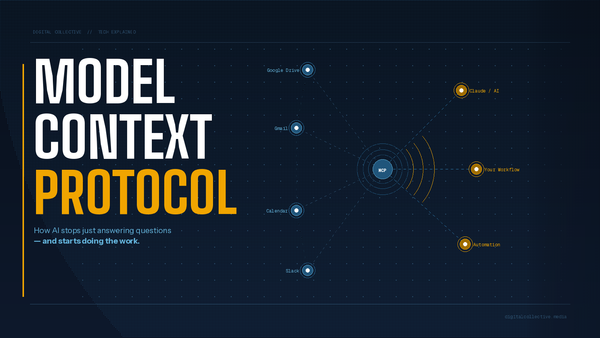
Automation: AI Workflows for Creators


Automation is not a silver bullet for creative burnout. It is a disciplined way to remove repetitive, low-value work so a creator can do more of the creative, revenue-generating stuff. This guide breaks down practical approaches, three levels of automation, real workflows used by creators publishing hundreds of pieces of content a year, and the tooling and portability strategies that keep you in control.
Why automation matters (and what it really fixes)
Creators get paid for predictable, repeatable outputs. If your business has the same steps happening again and again — cataloging products, tagging metadata, creating short-form clips, publishing to storefronts — automation transforms that monotony into consistent capacity.
"Boring equals money." — Matt
That phrase captures the practical view: if a task is repetitive, it can be automated. The tricky part is knowing which tasks to automate and when.
Three levels of automation
Think of automation in three progressive levels. Each level has different expectations and risk profiles.
- Level 1 — Ask and receive: Use AI as a question-answer tool. Generate ideas, draft emails, or rewrite text. Low risk and low automation.
- Level 2 — Triggered sequences: You build sequences that run when you trigger them. Examples include a Make.com scenario that reads a Notion checkbox, calls Perplexity, and creates a Google Doc. You remain the trigger and the automation runs under your control.
- Level 3 — Autonomous agents: Tools detect events and run full end-to-end workflows without human triggering. A newly posted video can be detected, transcribed, chunked into clips, rewritten for titles/descriptions, and published across platforms automatically.
Practical creator workflow (Matt's 800+ product videos per year)
Matt’s setup is a great real-world example for creators who sell products and publish at scale:
- Collect product metadata in a single database (Notion as CRM).
- Use a scraper or a browser plugin to pull images and page details that are buried in iframes.
- Send the product description into an LLM (Perplexity in this case) to generate camera-ready talking points.
- Auto-create a Google Doc from a template populated with the AI output.
- Publish the finished content to YouTube, Amazon storefront, Whatnot, etc., with consistent metadata.
Notion becomes the single source of truth for the product lifecycle: from "yes" to product, to video, to sales listing.
Key tools and what they solve
Tools are only valuable when they match the problem you actually repeat. Here are the ones that came up most often and how to use them.
- Save to Notion (Chrome plugin) — Quick way to scrape pages and map content into Notion databases. Great for capturing product pages or research without coding.
- Make.com — Integration and orchestration. Excellent for connecting Notion, Google Docs, Perplexity, file storage, and publishing endpoints. Learning curve exists; follow Make Academy and tutorials.
- Perplexity — Research-first LLM used here to turn raw product descriptions into talking points and better titles/descriptions. Offers a desktop app and a browser (Comet) for tighter workflows.
- Manus — Agentic AI that completes tasks on your behalf. Useful when you want the AI to perform steps, not just instruct.
- Claude (Anthropic) — Desktop apps and guardrails for giving AI scoped access to folders/tasks. Useful when you want control over what the AI can touch on your machine.
- OpenRouter — Route tasks across multiple LLMs so you are not locked into one provider for every job.
- Boost.space — A single database hub that integrates multiple sources and has Make.com on the backend. Good for teams or creators who receive leads and content from multiple inputs.
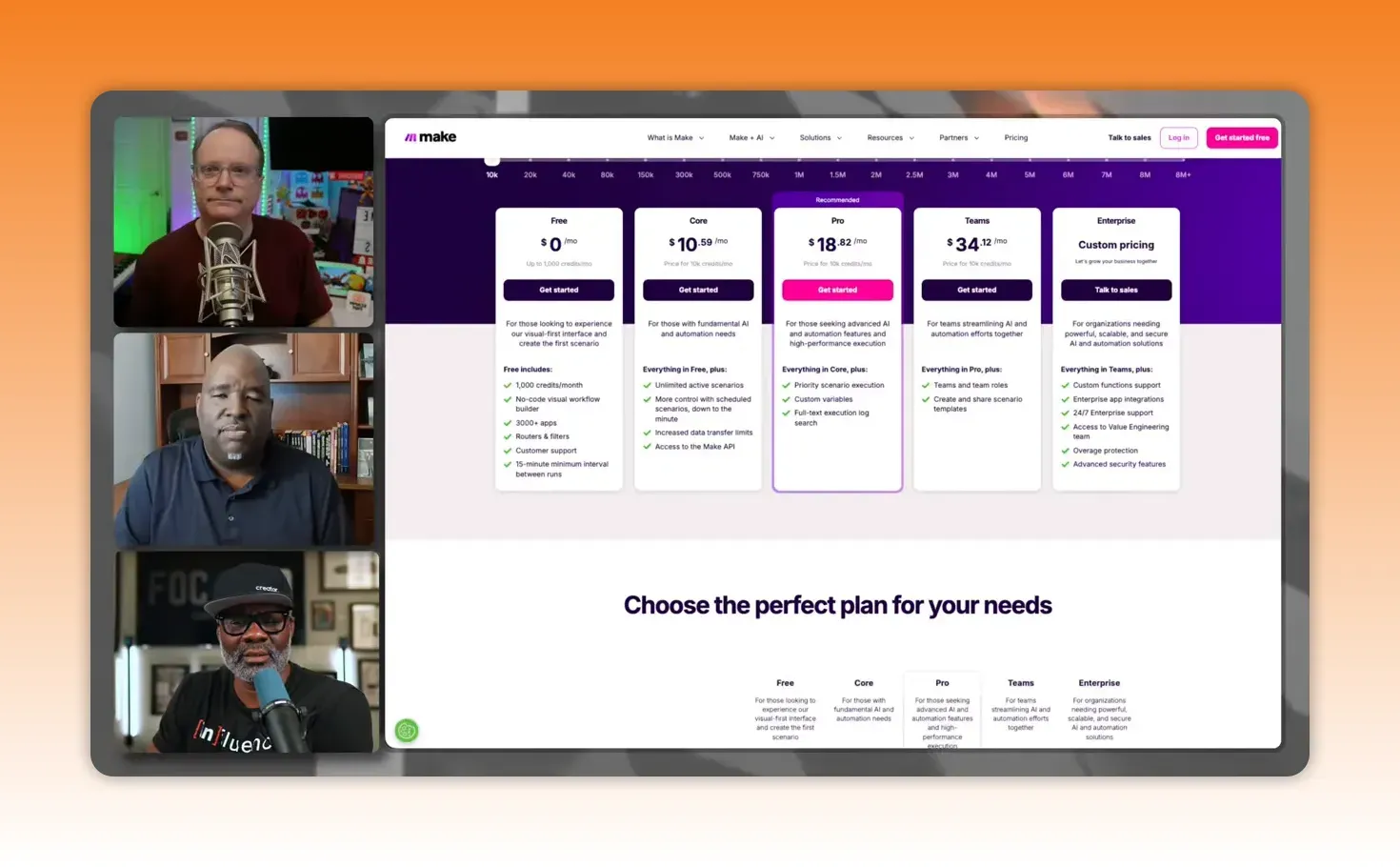
Screenshot: Make.com and Perplexity in action
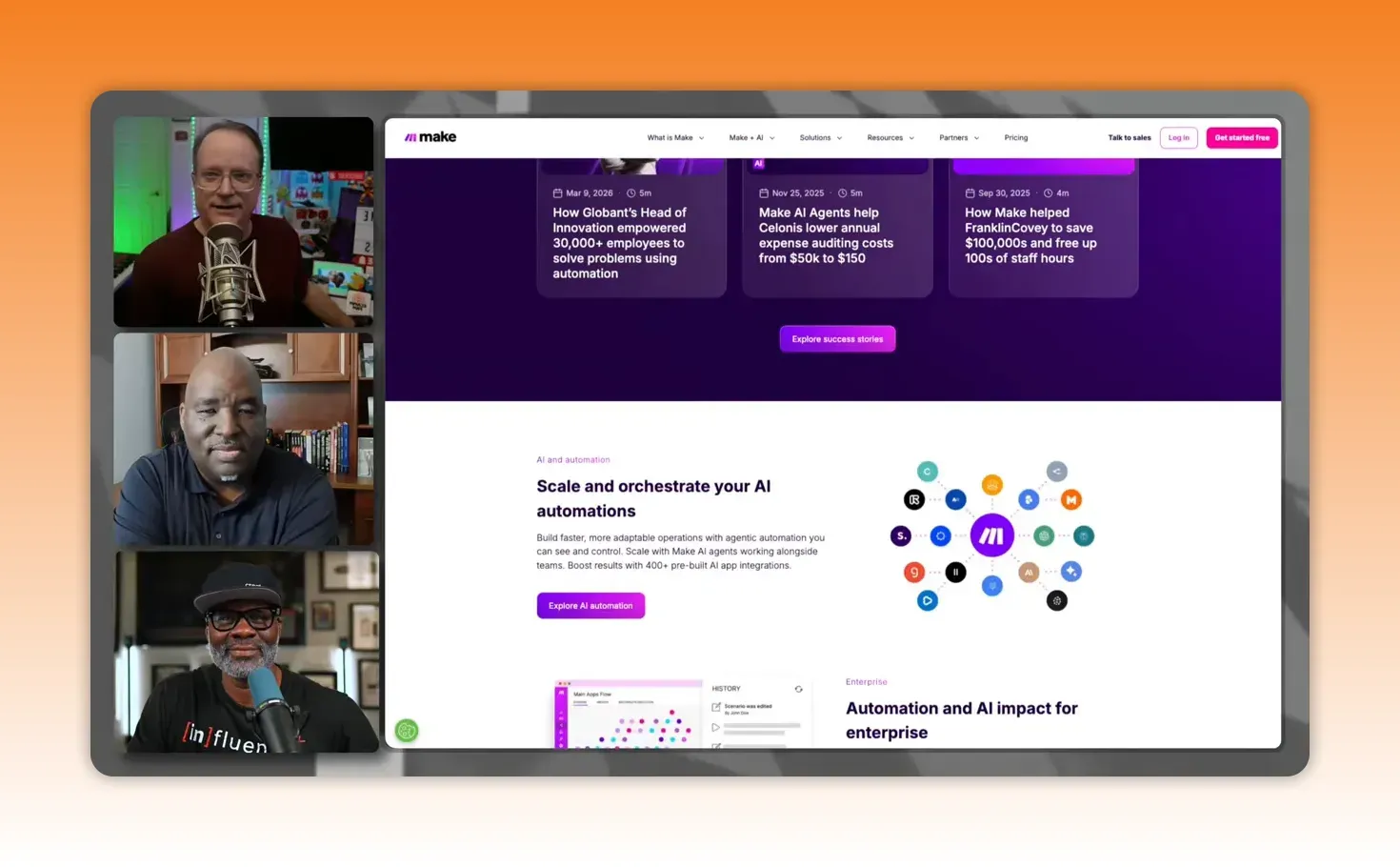
Example workflow: Notion row contains product text → Make calls Perplexity with a prompt → Google Doc template duplicated and filled → checkbox in Notion unchecked when done.
Avoiding vendor lock-in: portability strategies
Lock-in is real. Platforms will change terms, pricing, or limits. Portability prevents being stranded.
Practical strategies:
- Store prompts, profiles, and rules as Markdown files on your machine or cloud storage. Markdown is tiny, readable, and easy to back up.
- Use OpenRouter or similar to pick the best LLM for each task instead of relying on one provider.
- Create reusable "skills" in agent platforms (Manus or Claude) and export them in interoperable formats such as Markdown when possible.
- Back up your automation recipes and templates to a cloud location you own so you can reconnect to a different AI or orchestration layer if needed.
Markdown files with voice profiles, brand rules, and task recipes are the safest foundation. They are small, searchable, and platform neutral.
Workflows that save money and time
Small time savings multiply at scale. Matt’s arithmetic is simple and effective: saving eight minutes per operation across a thousand items yields hours back to focus on growth.
Start small and validate before scaling:
- Automate one repeatable task and measure time saved.
- Create a skill or reusable recipe for that task.
- Switch the skill to run on a schedule or event once you trust it.
Real-world pitfalls and the learning curve
Expect friction. Building agentic workflows often requires debugging APIs, coping with rate limits, handling timeouts, and learning how the orchestration platform executes tasks. Examples include:
- APIs attempting parallel updates can time out; click-based sequences sometimes remain the faster option.
- Agent platforms can create proprietary file formats. Always ask for export or request Markdown/PDF copies.
- AI credit consumption matters. Track usage and upgrade only once the ROI is clear.
Patience during the build phase pays off. Many creators find it takes a few weekends to assemble a reliable system.
Security and safety considerations
Agentic tools that control your machine require careful permissions. If you give an agent broad access, it can act like any other logged-in process. Two safety patterns:
- Use scoped access: Give agents only the folders and accounts they need.
- Consider a dedicated device for risky automations that require deeper system access.
Starter checklist for creators
If you publish regularly, follow this checklist to get automation working for you quickly and safely.
- Identify 3 repeatable tasks that waste your time.
- Centralize data in one place (Notion, Boost.space, or a spreadsheet).
- Automate the simplest of those tasks with Make.com or Zapier.
- Use an LLM to generate templated content (titles, descriptions, talking points).
- Export and back up your prompts and templates as Markdown files.
- Test a Level 3 agent only after the sequence has run reliably under manual triggers.
Recommended starter stack
- Data: Notion or Boost.space as your single source of truth
- Orchestration: Make.com for integrations and workflows
- LLM for content: Perplexity (research and talking points) or GPT for drafting
- Agentic tasks: Manus or Claude (with strict guardrails)
- Portability: Markdown files + OpenRouter for multi-LLM routing
Final thoughts
Automation reduces friction. It does not change your strategy overnight. Build incrementally, keep ownership of your prompts and instruction files, and choose tools that let you export and back up your work.
Start by automating the tasks you already do reliably. Use Level 2 workflows until trust builds, then move toward Level 3 for high-value, fully autonomous processes. Keep a small, portable repo of Markdown files that represent your brand voice, templates, and skills. That portability is your insurance against shifting platforms and rising costs.
Action you can take today
- Move one repetitive task into a Notion database.
- Create a Make.com scenario that reads that database and performs a simple action.
- Save your prompt and output as Markdown and back it up.
Build slowly, measure, and iterate. Automation amplifies consistent creators. Use it to regain time and scale what matters.
- Notion — link to Notion (use where Notion is first mentioned).
- Make.com — link to Make.com (use where Make.com is referenced).
- Perplexity — link to Perplexity (use near mentions of LLM or research).
- Manus — link to Manus (use where agentic tools are discussed).
- Claude — link to Claude (Anthropic).
- OpenRouter — link to OpenRouter (use where multi-LLM routing is described).
- Boost.space — link to Boost.space (use where single database hub is mentioned).